Creating Snapshot-Backups with BackerUpper On Ubuntu 7.10
Version 1.0
Author: Falko Timme
BackerUpper is a tool similar to Apple's TimeMachine. It is intended to create snapshot-backups of selected directories or even your full hard drive. From the BackerUpper project page: "Backerupper is a simple program for backing up selected directories over a local network. Its main intended purpose is backing up a user's personal data." This article shows how to install and use BackerUpper on Ubuntu 7.10 (Gutsy Gibbon).
I do not issue any guarantee that this will work for you!
1 Installing BackerUpper
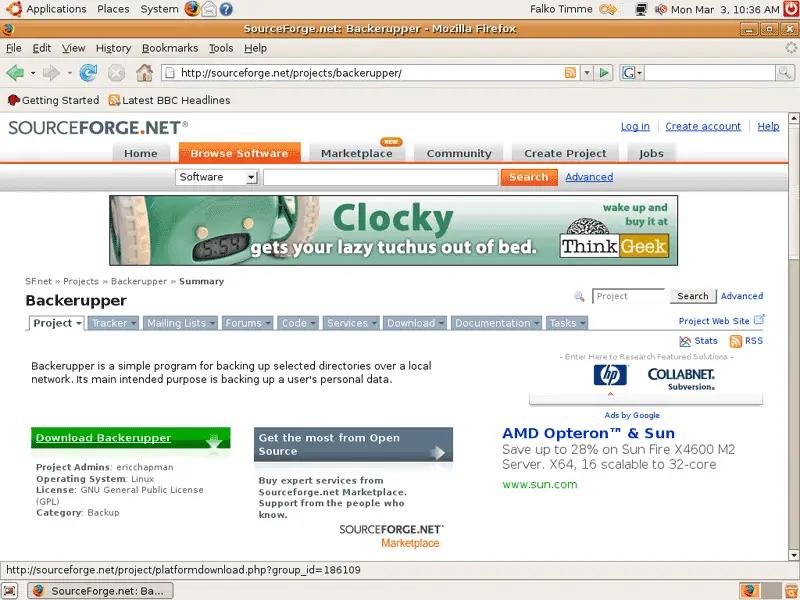
Open a browser (e.g. Firefox) and go to the BackerUpper project page on SourceForge. Click your way through to the downloads page...
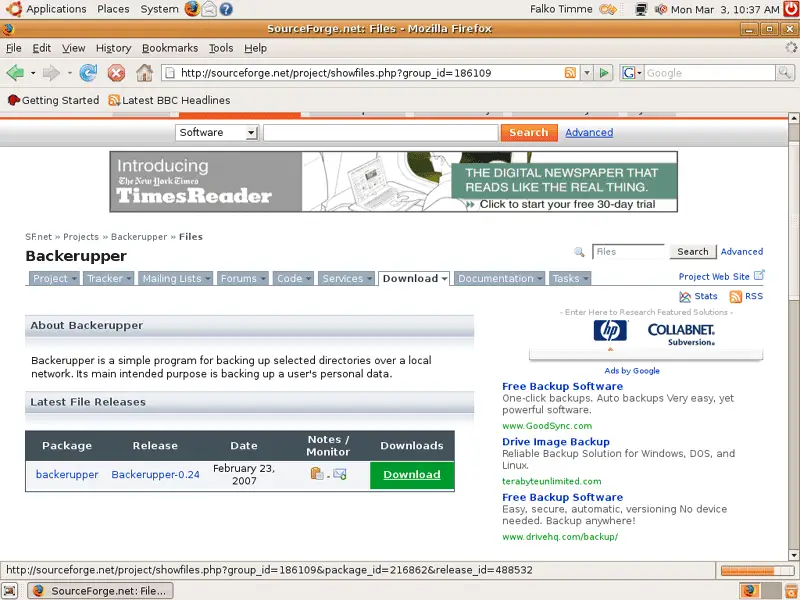
... and select the tar.gz file that is suitable for your system (-32.tar.gz for i686 systems, -64.tar.gz for x86_64 systems):
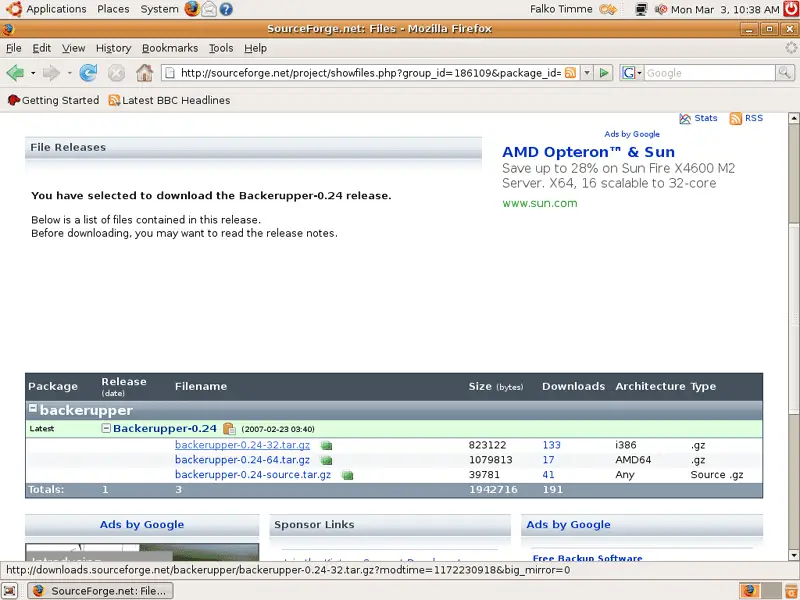
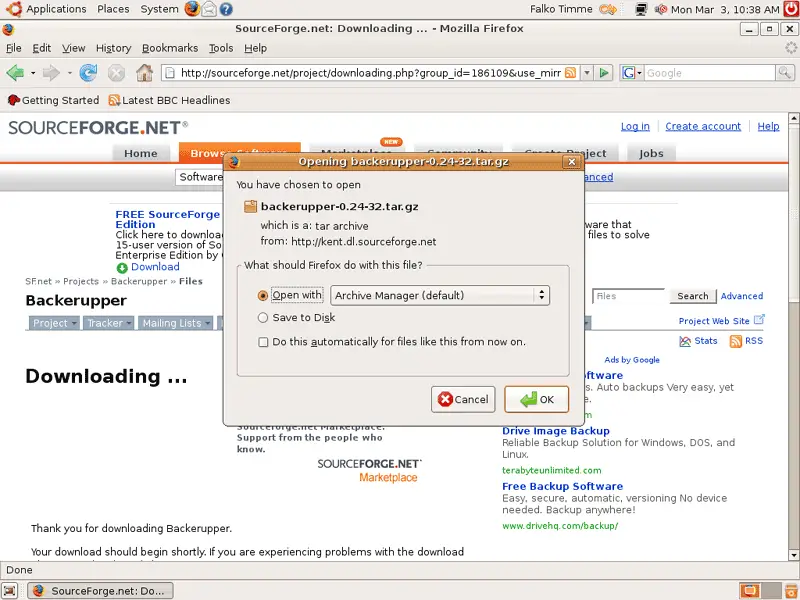
In the Firefox download dialogue, select Open with Archive Manager (default):
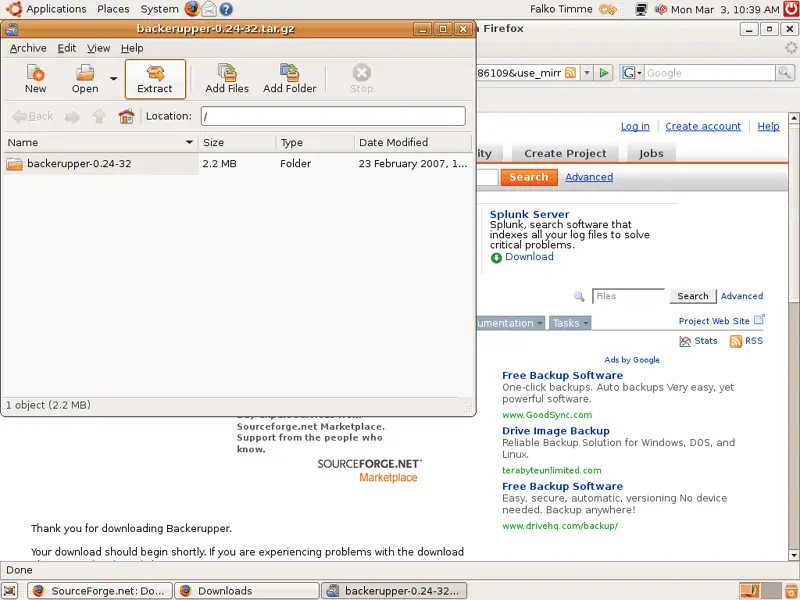
After the download has finished, the Archive Manager opens. Click on Extract:
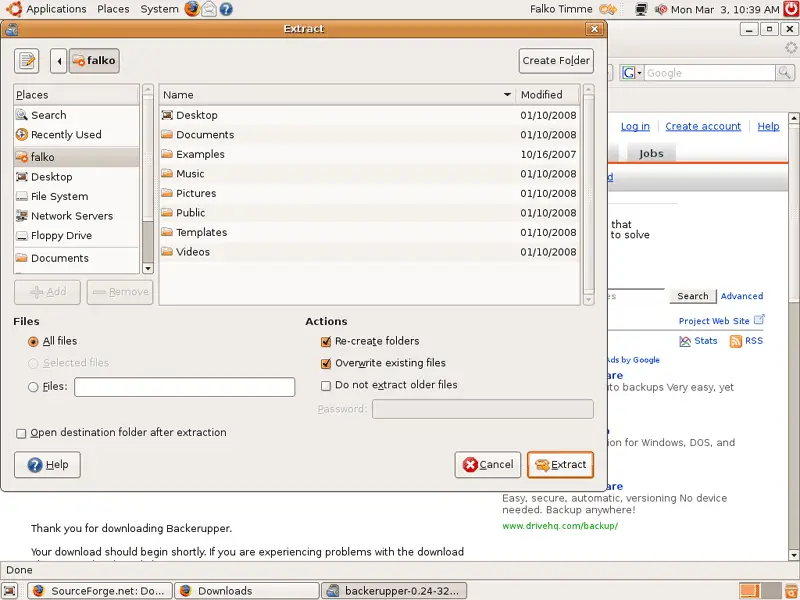
Select the directory where you want to extract the archive, e.g. your home directory (/home/falko in this example), and then click on Extract again:
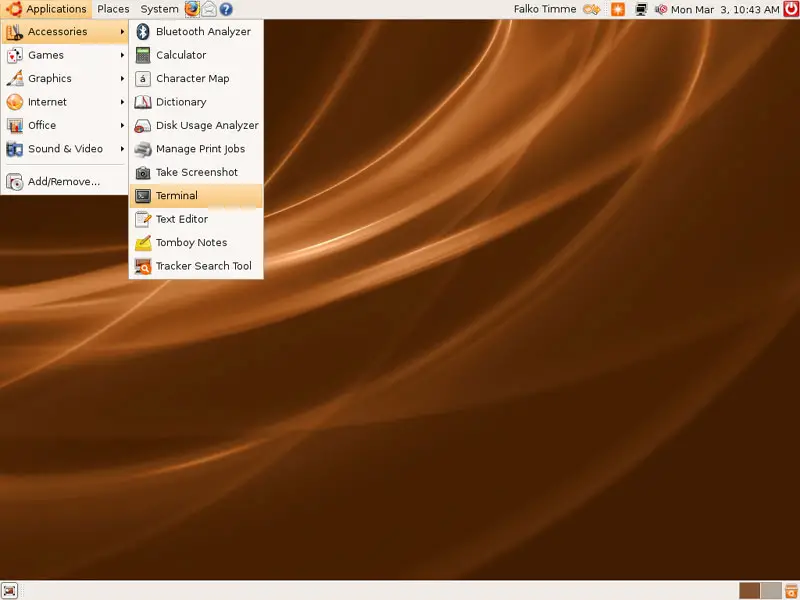
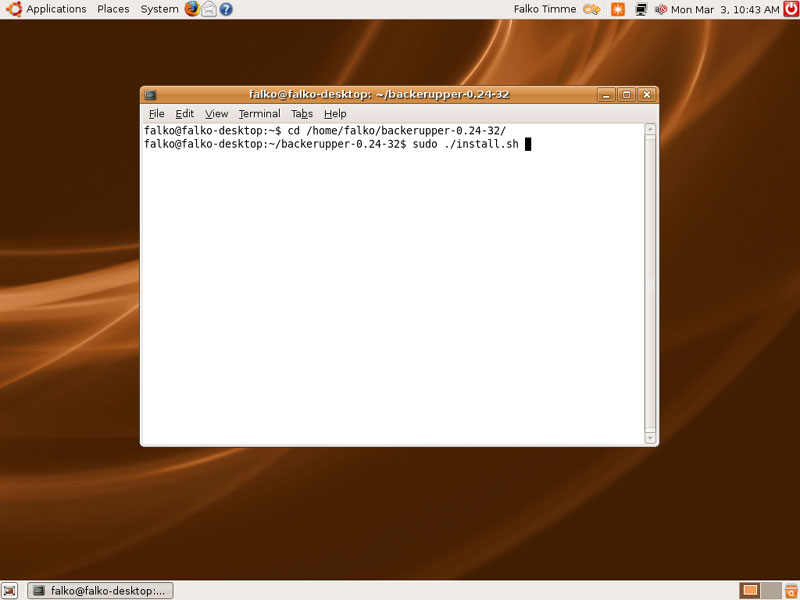
Next open a terminal (Applications > Accessories > Terminal):
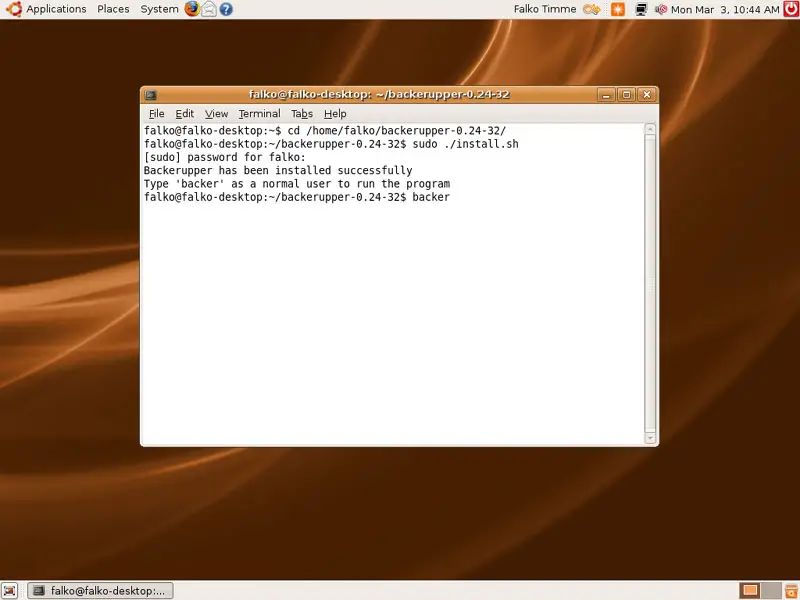
Go to the backerupper directory (e.g. /home/falko/backerupper-0.24-32/)...
cd /home/falko/backerupper-0.24-32/
... and install BackerUpper as follows:
sudo ./install.sh
2 Using BackerUpper
Now you can start to use BackerUpper.
2.1 Running BackerUpper From The Command Line
You can either start BackerUpper from the terminal (as a normal user) by running:
backer