
Creating Advanced MySQL-Based Virtual Hosts On Lighttpd (Debian Squeeze)
Version 1.0
Author: Falko Timme  Follow me on Twitter
This guide explains how you can create advanced virtual hosts on a lighttpd web server on Debian Squeeze that are stored in a MySQL database. The method described here does not use the lighttpd mod_mysql_vhost module, and unlike mod_mysql_vhost (which allows you to store only the hostname and document root of a vhost in a database), this method allows to store individual configuration directives for each vhost in the MySQL database.
I do not issue any guarantee that this will work for you!
1 Installing MySQL 5
First we install MySQL 5 like this:
apt-get install mysql-server mysql-client
You will be asked to provide a password for the MySQL root user - this password is valid for the user root@localhost as well as [email protected], so we don't have to specify a MySQL root password manually later on:
New password for the MySQL "root" user: <-- yourrootsqlpassword
Repeat password for the MySQL "root" user: <-- yourrootsqlpassword
2 Installing Lighttpd, Python, And python-mysqldb
We will use a Python script to read the vhost configurations from the MySQL database, therefore we must install Python and python-mysqldb in addition to lighttpd.
You can install these packages as follows:
apt-get install lighttpd python python-mysqldb
3 Preparing The MySQL Database
Now we log in to MySQL...
mysql -u root -p
... and create the database lighttpd:
CREATE DATABASE lighttpd;
Next we create a database user (which we name lighttpd as well) with SELECT privileges for the lighttpd database:
GRANT SELECT ON lighttpd.* TO lighttpd@localhost IDENTIFIED BY 'secret';
GRANT SELECT ON lighttpd.* TO [email protected] IDENTIFIED BY 'secret';
FLUSH PRIVILEGES;
(Replace secret with a password of your choice.)
Then we create the domains table in the lighttpd database and leave MySQL:
USE lighttpd;
CREATE TABLE IF NOT EXISTS domains (
domain varchar(64) NOT NULL PRIMARY KEY,
docroot varchar(128) NOT NULL,
config text
);
quit;
4 Creating The Python Script To Read The Vhost Configuration From The Database
Now we create the Python script /usr/share/lighttpd/mysql_vhost.py which will connect to the lighttpd database and read the vhost configurations from it:
vi /usr/share/lighttpd/mysql_vhost.py
#!/usr/bin/env python
import sys
import MySQLdb

# load configuration data from the database
db=MySQLdb.connect(host='localhost', db=sys.argv[1], user=sys.argv[2], passwd=sys.argv[3])
cur = db.cursor()
cur.execute("SELECT * FROM domains")
rs=cur.fetchall()
db.close()

for domain in rs:

    print "$HTTP[\"host\"] == \"%s\" {\nserver.document-root = \"%s\"\n%s\n}" % (domain[0], domain[1], domain[2])
|
Make the script executable:
chmod 755 /usr/share/lighttpd/mysql_vhost.py
Now we must tell lighttpd to use that script. Therefore we open /etc/lighttpd/lighttpd.conf and add the following line at the end of it:
vi /etc/lighttpd/lighttpd.conf
[...] include_shell "/usr/share/lighttpd/mysql_vhost.py lighttpd lighttpd secret" |
(The first lighttpd refers to the name of the MySQL database, the second lighttpd to the database user, and secret to the MySQL password.)
Restart lighttpd afterwards:
/etc/init.d/lighttpd restart
5 Configuring Virtual Hosts
I will now configure two virtual hosts, one for www.example.com (with the document root /var/www/www.example.com/web) and one for www.example.org (with the document root /var/www/www.example.org/web).
I will add custom directives to both vhosts. For the www.example.com vhost I will enable directory listings and create an alias test which points back to the document root /var/www/www.example.com/web, and for the www.example.org vhost I will disable directory listings.
First, we create the document roots of both web sites (if they don't already exist):
mkdir -p /var/www/www.example.com/web
mkdir -p /var/www/www.example.org/web
Then we log in to MySQL...
mysql -u root -p
USE lighttpd;
... and create the vhosts as follows:
INSERT INTO domains VALUES ('www.example.com','/var/www/www.example.com/web/','dir-listing.activate = "enable"\nalias.url = ( "/test" => "/var/www/www.example.com/web" )');
INSERT INTO domains VALUES ('www.example.org','/var/www/www.example.org/web/','dir-listing.activate = "disable"');
As you can see in the first INSERT statement, if you want to use more than one custom directive, put a linebreak (\n) between the directives.
We can now leave the MySQL shell:
quit;
That's it, the vhosts are now configured. To check if our /usr/share/lighttpd/mysql_vhost.py script is working as expected, we can call it on the command line...
/usr/share/lighttpd/mysql_vhost.py lighttpd lighttpd secret
... and it should display the correct vhost configurations:
root@server1:~# /usr/share/lighttpd/mysql_vhost.py lighttpd lighttpd secret
$HTTP["host"] == "www.example.com" {
server.document-root = "/var/www/www.example.com/web/"
dir-listing.activate = "enable"
alias.url = ( "/test" => "/var/www/www.example.com/web" )
}
$HTTP["host"] == "www.example.org" {
server.document-root = "/var/www/www.example.org/web/"
dir-listing.activate = "disable"
}
root@server1:~#
Unlike the mod_mysql_vhost way, this method needs a lighttpd restart whenever the vhost configuration is changed, so let's restart lighttpd:
/etc/init.d/lighttpd restart
6 Testing
Now let's test if our MySQL-based vhosts www.example.com and www.example.org are working as expected. I'm assuming that you have no index files in each document root.
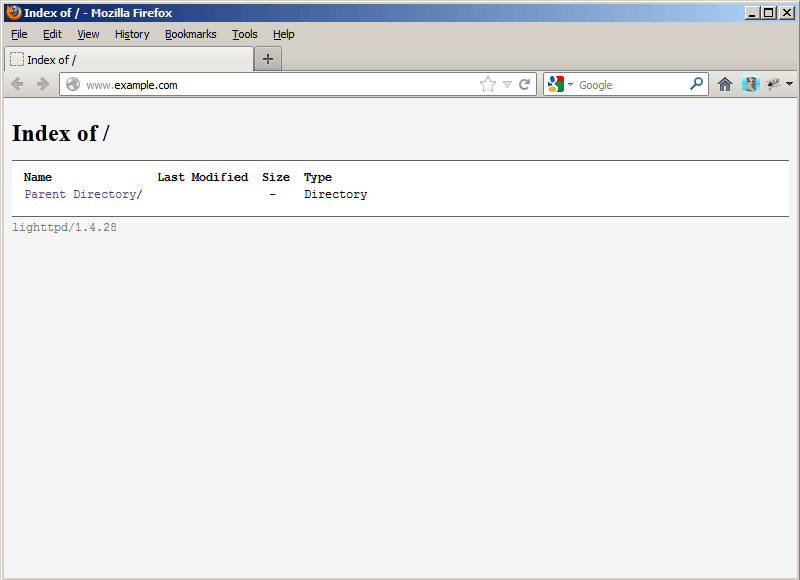
Let's call http://www.example.com (for which we have enabled directory listings) in a browser, and you should see a directory listing:
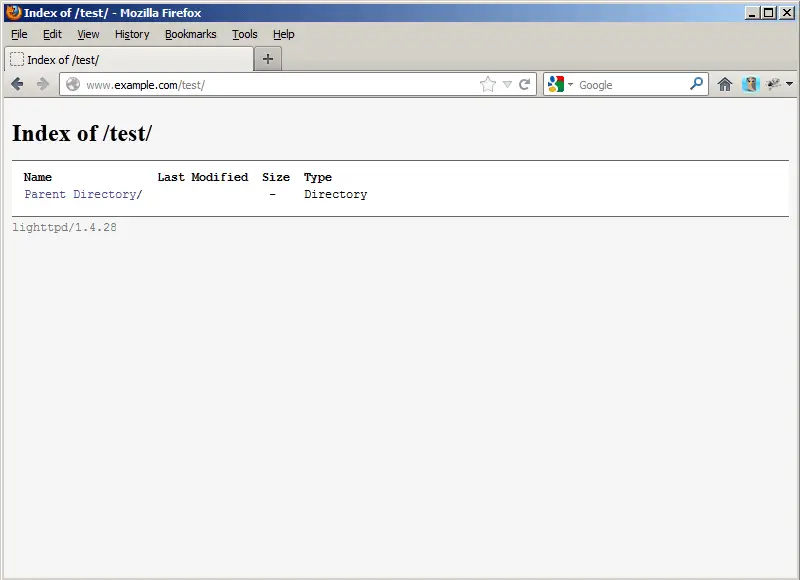
Now let's go to http://www.example.com/test (there's no directory test in that vhost), and it should go back to the document root because we have configured that alias for the www.example.com vhost:
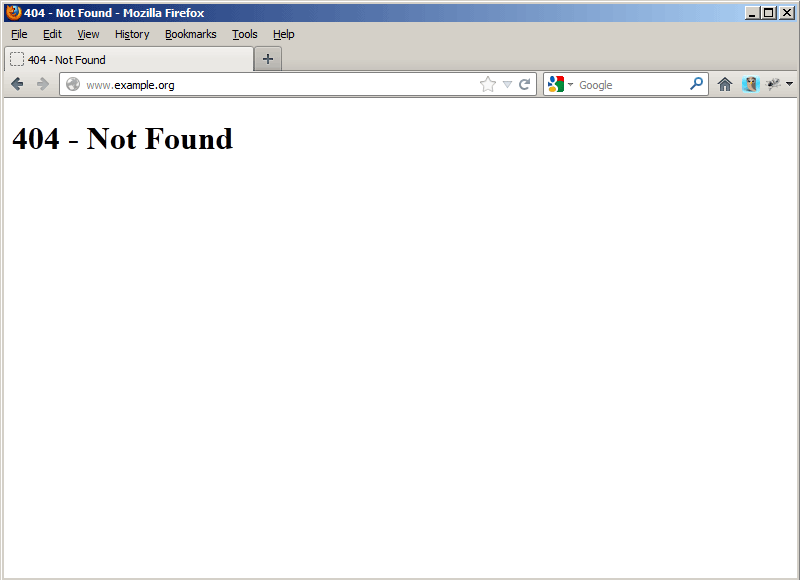
Now go to http://www.example.org, and you should get a 404 - Not Found error (unless there's an index file in the document root) because we've disabled directory listings for that vhost:
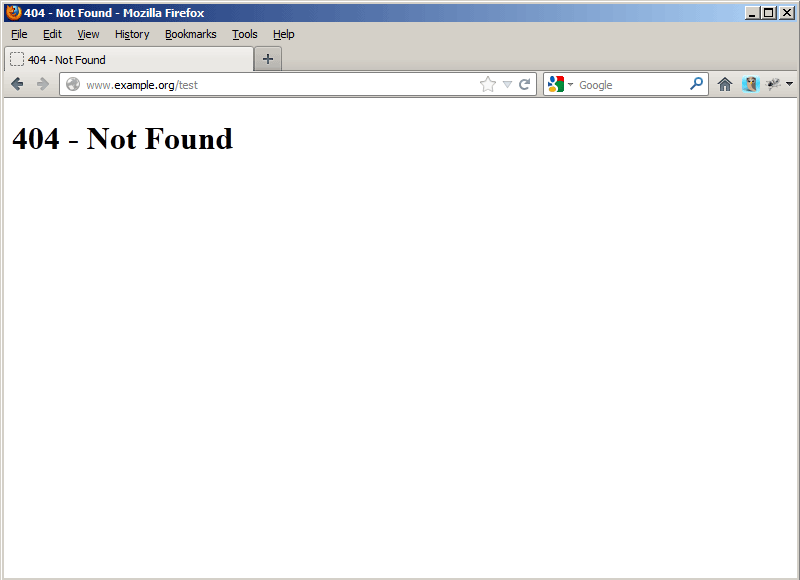
Now let's try http://www.example.org/test - as this directory does not exist and we haven't defined such an alias in the www.example.com vhost, we get a 404 - Not Found again:
So everything's working as expected.
7 Links
- Lighttpd: http://www.lighttpd.net/
- Debian: http://www.debian.org/





