
Enabling Compiz Fusion On An Ubuntu 7.10 Desktop (NVIDIA GeForce FX 5200) - Page 2
4 Enabling Compiz Fusion
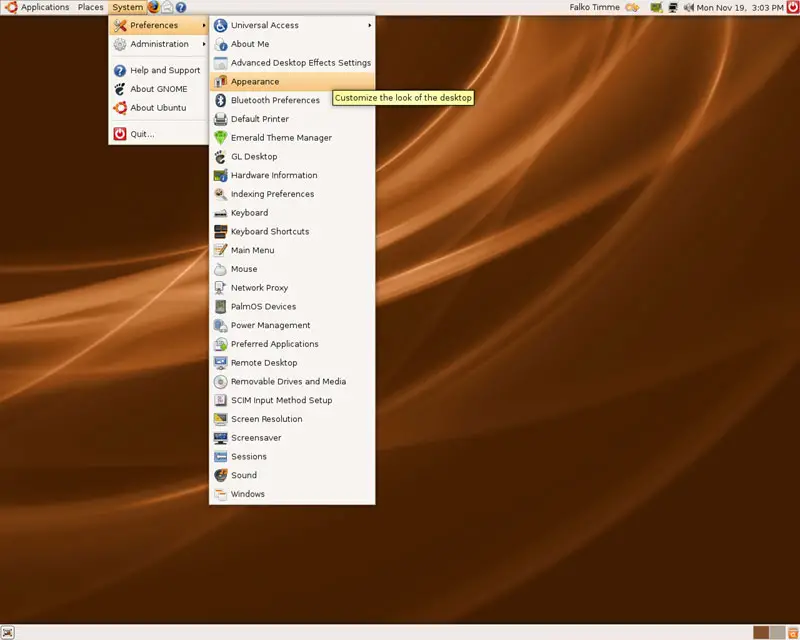
To make sure that Compiz Fusion is enabled, go to System > Preferences > Appearance:
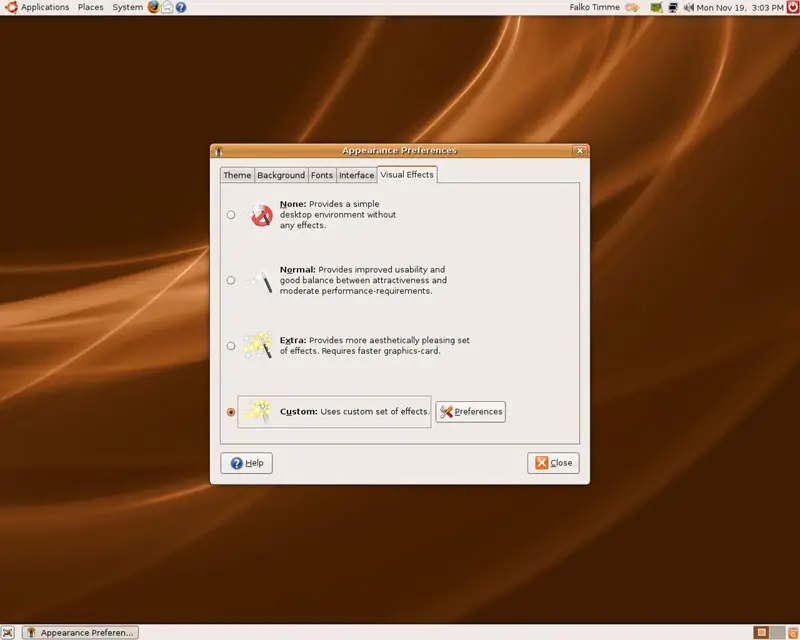
In the Appearance Preferences window, go to the Visual Effects tab and make sure that Custom is selected. That's it already. To configure Compiz Fusion, you can click on the Preferences button...
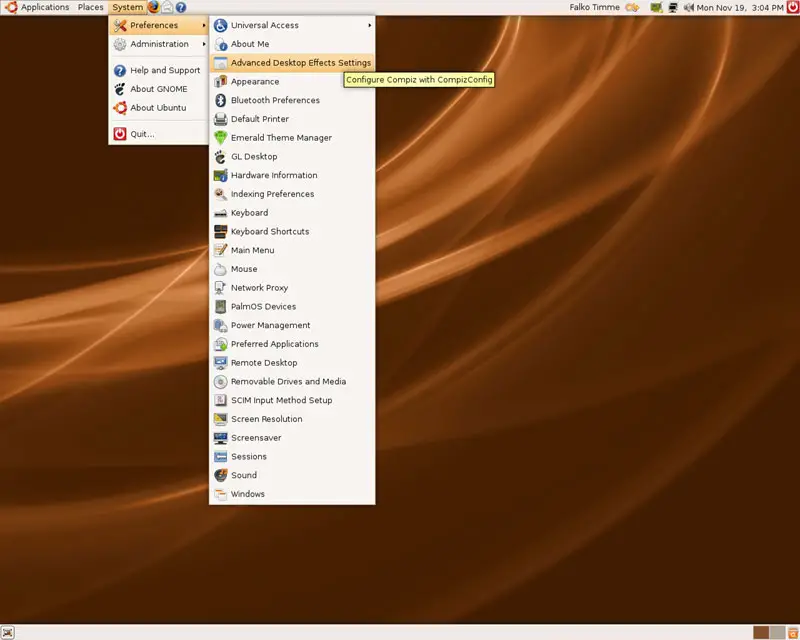
... but you can do the same by going to System > Preferences > Advanced Desktop Effects Settings:
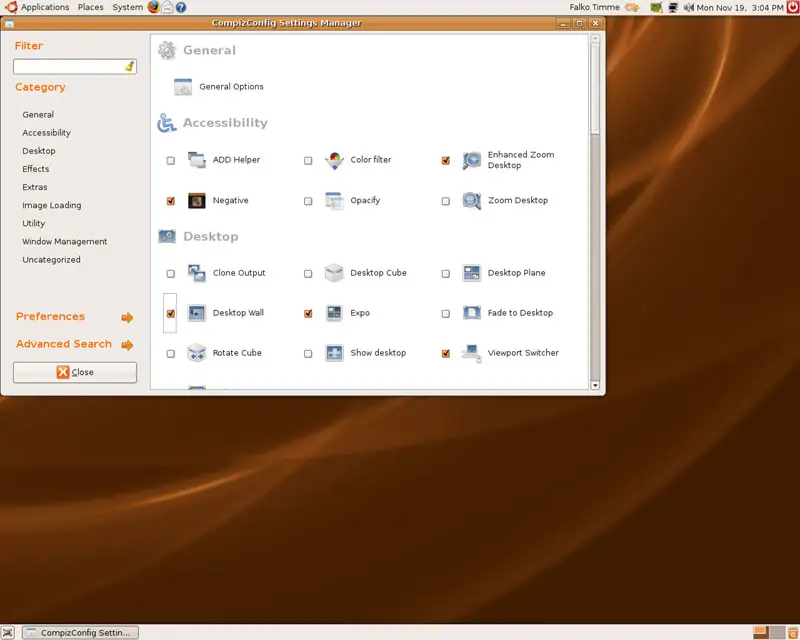
In both cases the CompizConfig Settings Manager opens where you can define the behaviour of Compiz Fusion:
5 Keyboard Shortcuts
Here's a list of the most common Compiz Fusion keyboard shortcuts:
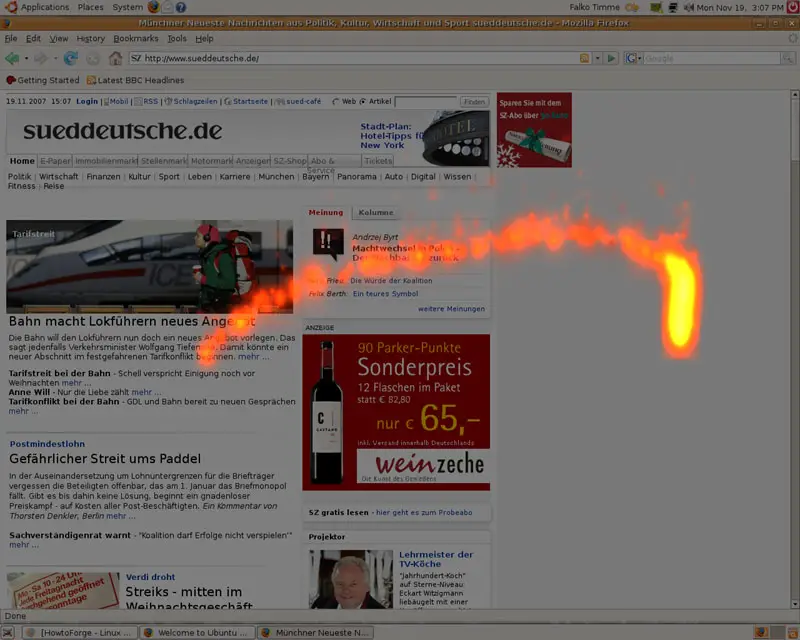
SUPER+SHIFT+DRAG LEFT MOUSE = draw fire
SUPER+SHIFT+C = clear fire
CTRL+ALT+DRAG LEFT MOUSE = rotate cube
CTRL+ALT+LEFT ARROW = rotate cube
CTRL+ALT+DOWN ARROW = flat desktop
SHIFT+ALT+UP = initiate window picker
CTRL+ALT+DOWN = unfold cube
ALT+TAB = window switch
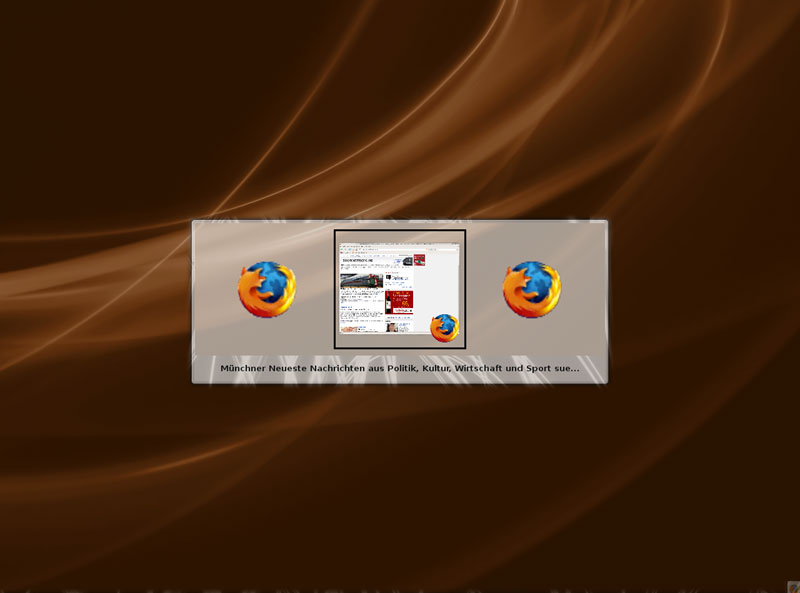
SUPER+TAB = flip switcher or ring switcher, depending on which is enabled.
ALT+F7 = initiate 'move windows'
SHIFT+F9 = water effect
SHIFT+F10 = slow animations
CTRL+ALT+D = show desktop
For Grouping and Tabbing:
SUPER+S = select single window
SUPER+T = tab group
SUPER+Left = change left tab
SUPER+Right = change right tab
SUPER+G = group windows
SUPER+U = ungroup windows
SUPER+R = remove group window
SUPER+C = close group
SUPER+X = ignore group
Hold the SUPER button then select the windows you want to group and then hit SUPER+G.
The SUPER key is the Windows key on most keyboards.
6 Some Screenshots
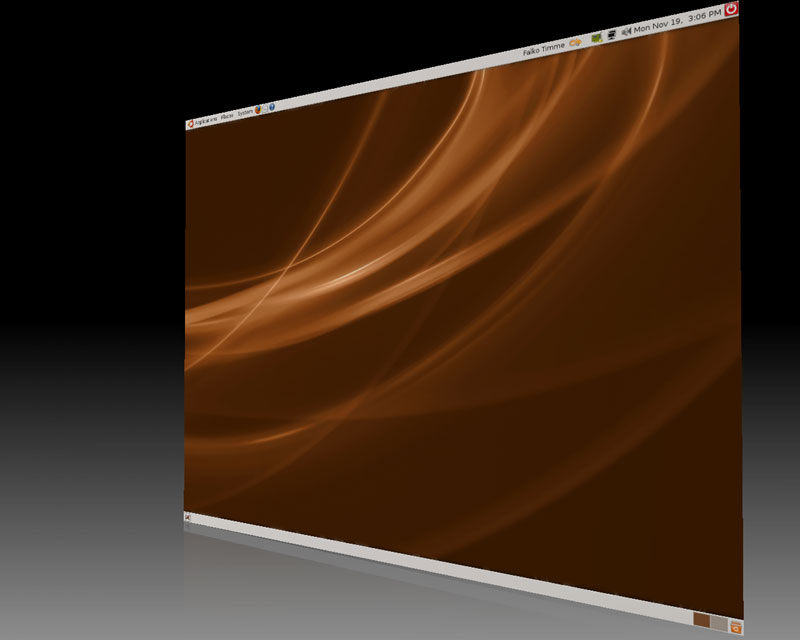
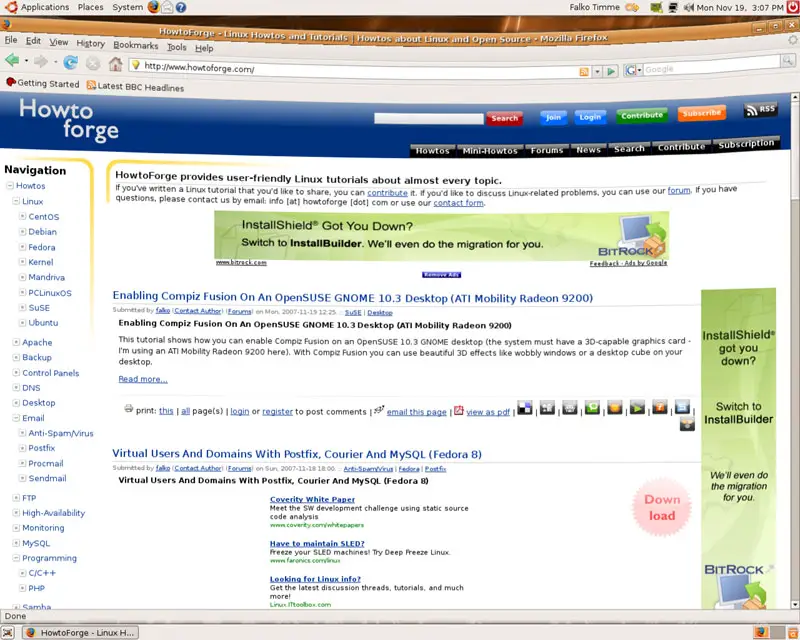
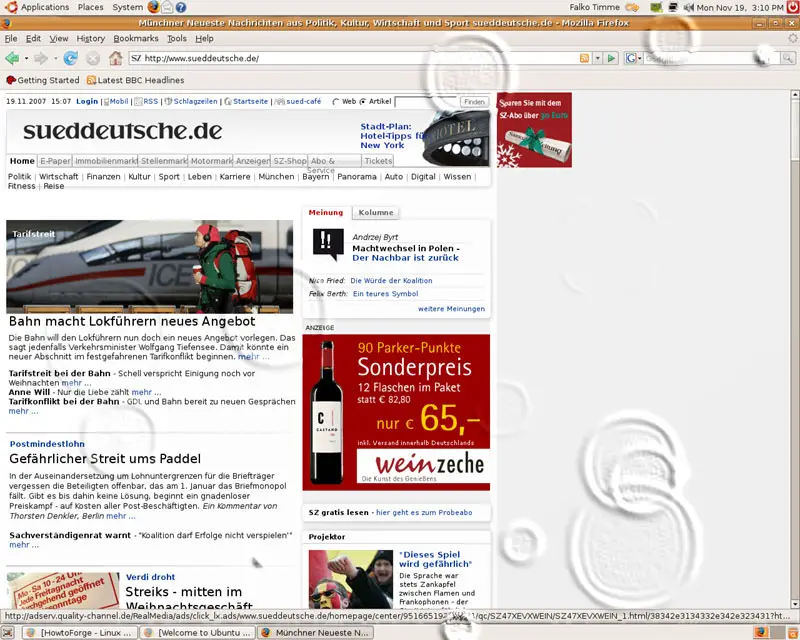
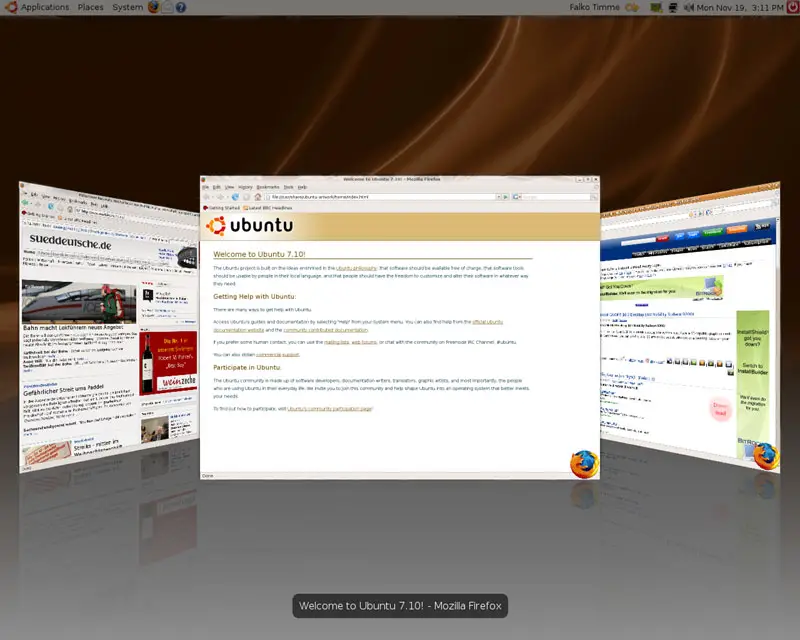
Here are some screenshots of Compiz Fusion in action:
7 Links
- Compiz Fusion: http://www.compiz-fusion.org
- Ubuntu: http://www.ubuntu.com





