
On this page
Boot Linux Over HTTP With netboot.me
Version 1.0
Author: Falko Timme  Follow me on Twitter
This tutorial shows how you can boot Linux over HTTP with netboot.me. All that users need is Internet connectivity and a small program (gpxe) to boot the machine. This gpxe program provides network booting facility. netboot.me allows you to boot into the following distributions: Debian, Fedora, OpenSUSE, and Ubuntu. netboot.me provides gpxe images for USB sticks, CDs, and also for floppies, i.e., you can boot from a USB sticks, a CD, or a floppy.
I do not issue any guarantee that this will work for you!
1 Getting netboot.me
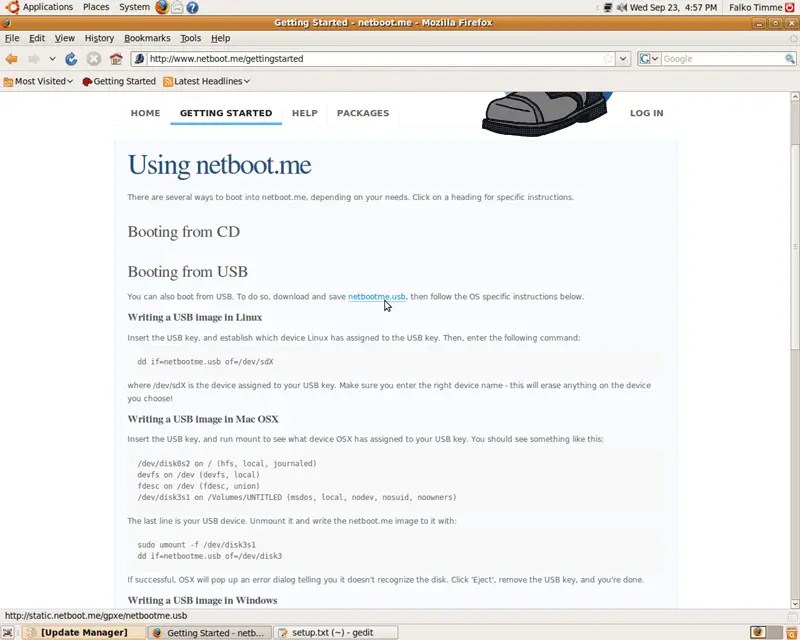
Go to http://www.netboot.me/gettingstarted and download the appropriate gpxe image. If you want to boot from a CD, just download the netbootme.iso file and burn it onto a CD, then boot from that CD. I want to use a USB stick here, so the procedure is a bit more complicated. I download the netbootme.usb file to my desktop:
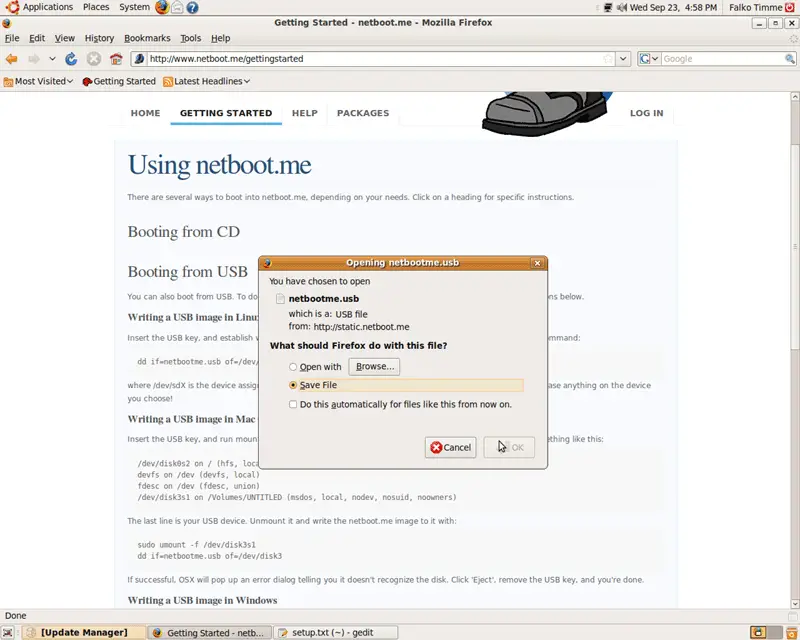
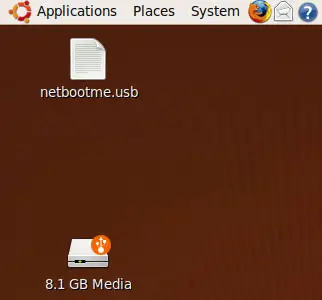
You should now find the netbootme.usb file on your desktop. Now plug in your USB stick - its icon should appear on the desktop as well:
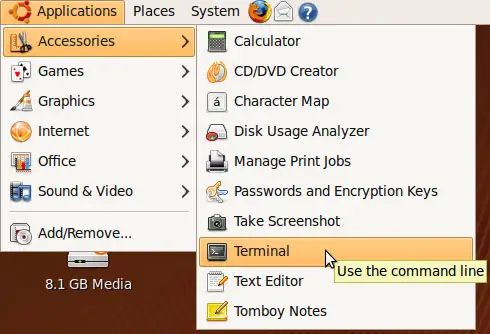
Next open a terminal (Applications > Accessories > Terminal):
In the terminal, run
mount
to find out the device name of your USB stick:
falko@falko-desktop:~$ mount
/dev/sda1 on / type ext3 (rw,relatime,errors=remount-ro)
tmpfs on /lib/init/rw type tmpfs (rw,nosuid,mode=0755)
proc on /proc type proc (rw,noexec,nosuid,nodev)
sysfs on /sys type sysfs (rw,noexec,nosuid,nodev)
varrun on /var/run type tmpfs (rw,nosuid,mode=0755)
varlock on /var/lock type tmpfs (rw,noexec,nosuid,nodev,mode=1777)
udev on /dev type tmpfs (rw,mode=0755)
tmpfs on /dev/shm type tmpfs (rw,nosuid,nodev)
devpts on /dev/pts type devpts (rw,noexec,nosuid,gid=5,mode=620)
fusectl on /sys/fs/fuse/connections type fusectl (rw)
lrm on /lib/modules/2.6.28-11-generic/volatile type tmpfs (rw,mode=755)
securityfs on /sys/kernel/security type securityfs (rw)
binfmt_misc on /proc/sys/fs/binfmt_misc type binfmt_misc (rw,noexec,nosuid,nodev)
gvfs-fuse-daemon on /home/falko/.gvfs type fuse.gvfs-fuse-daemon (rw,nosuid,nodev,user=falko)
/dev/sdf1 on /media/disk type vfat (rw,nosuid,nodev,uhelper=hal,shortname=mixed,uid=1000,utf8,umask=077,flush)
falko@falko-desktop:~$
In my case, it's /dev/sfd (mount point /media/disk).
Before we can transfer the netbootme.usb image to the USB stick, we must unmount the USB stick. Right-click its icon on the desktop and select Unmount Volume...
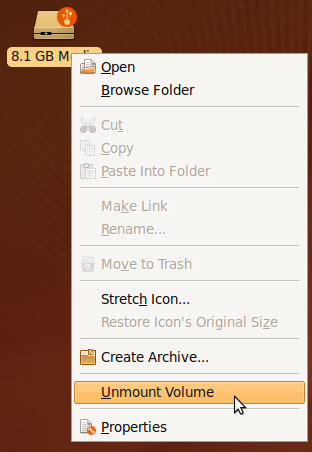
... or run
umount /media/disk
in the terminal.
Now we can transfer the netbootme.usb image to the USB stick as follows:
sudo dd if=~/Desktop/netbootme.usb of=/dev/sdf
That's it! We can now boot another computer from the USB stick.





