
Linux Tutorials on the topic “debian”
-
Perfect Server Automated ISPConfig 3 Installation on Debian 12 and Debian 13, Ubuntu 22.04 and Ubuntu 24.04
Author: Thom Pol • Tags: apache, control panels, debian, dns, email, ftp, ispconfig, linux, mysql, nginx, postfix, server, ubuntu, web server • Comments: 176 • Updated: Jan 31, 2026This tutorial shows you how to easily set up a web, email and DNS server with ISPConfig 3 using the ISPConfig auto-installation script.
-
How to install PHP 5.6 and 7.0 - 8.4 with PHP-FPM and FastCGI mode for ISPConfig 3.2 with apt on Debian 11 to 12
Author: Thom Pol • Tags: debian, ispconfig, linux, php • Comments: 14 • Updated: Nov 03, 2025In this guide we will take you through installing additional PHP versions (5.6, 7.0, 7.1, 7.2, 7.3, 7.4, 8.1, 8.2, 8.3, and 8.4) on a Debian server with ISPConfig.
-
Update the ISPConfig Perfect Server from Debian 11 to Debian 12
Author: Thom Pol • Tags: debian, ispconfig, linux • Comments: 21 • Updated: Nov 03, 2025This tutorial will take you through updating a server managed by ISPConfig from Debian 11 (bullseye) to Debian 12 (bookworm). This guide works for both single- and multiserver setups.
-
-
How to Install CSF (Config Server Firewall) on Debian 12
Author: Arvid L • Tags: debian, linux, security, server • Comments: 1 • Updated: Oct 06, 2025CSF or Config Server Firewall is a Stateful Packet Inspection (SPI) firewall based on IPtables and Perl. it provides a daemon process that will monitor your services for failure authentication.
-
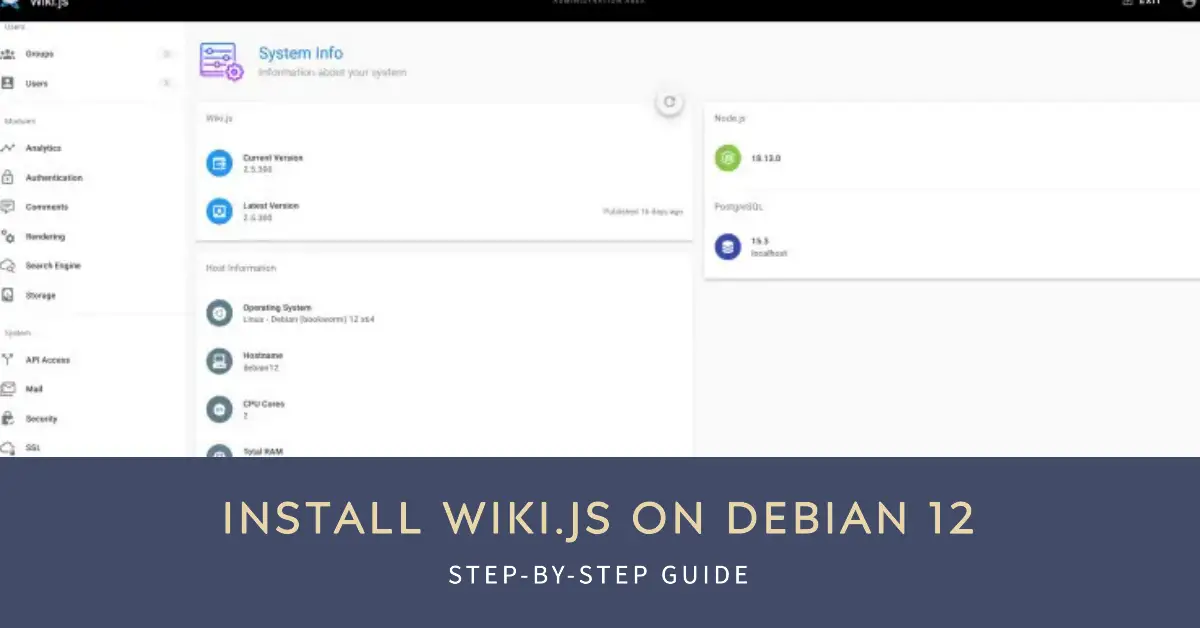
How to Install Wiki.js on Debian 12
Author: Arvid L • Tags: debian, linux, server, web server • Comments: 1 • Published: Jun 26, 2025Wiki.js is free and open-source wiki software based on Node.js, Git, and Markdown. In this article, we'll show you how to install Wiki.js on a Debian 12 system.
-

ISPConfig Perfect Multiserver setup on Ubuntu 24.04 and Debian 12
Author: Thom Pol • Tags: control panels, debian, dns, email, ftp, ispconfig, linux, server, ubuntu, web server • Comments: 2 • Published: Jun 19, 2025This tutorial will take you through installing your own ISPConfig 3 multiserver setup with dedicated servers for the panel, web, DNS, mail, and webmail using the new ISPConfig auto-installer. This tutorial is compatible with Debian 12 and Ubuntu 24.04.
-
How to Install Moodle LMS on Debian 12 Server
Author: Arvid L • Tags: debian, linux • Comments: 0 • Published: May 29, 2025Moodle is an open solution for the Learning Management System (LMS). It is a platform for educational purposes, from creating online courses, managing online schools, managing content, and offering collaborative learning.
-
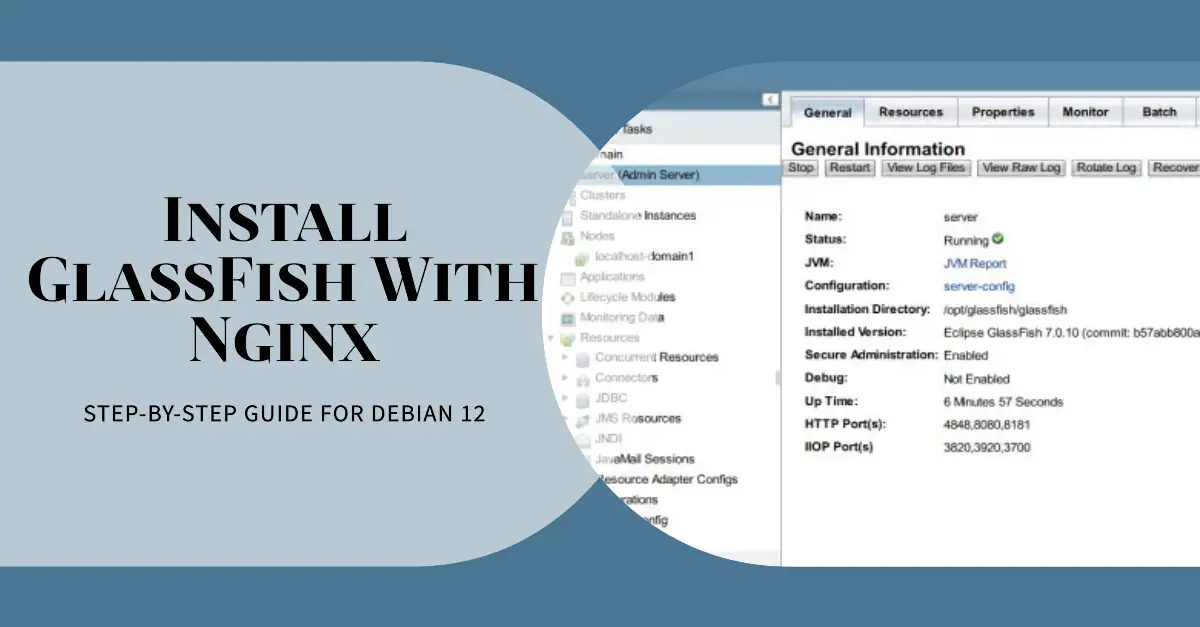
How to Install GlassFish Application Server with Nginx Reverse Proxy on Debian 12
Author: Arvid L • Tags: debian, linux, server, web server • Comments: 0 • Published: Apr 19, 2025GlassFish is a free and open-source implementation of the Java EE Platform developed by Eclipse. In this guide, you will install GlassFish Application Server on Debian 12 in a step-by-step process. You will also configure Nginx as a reverse proxy for your GlassFish installation.
-
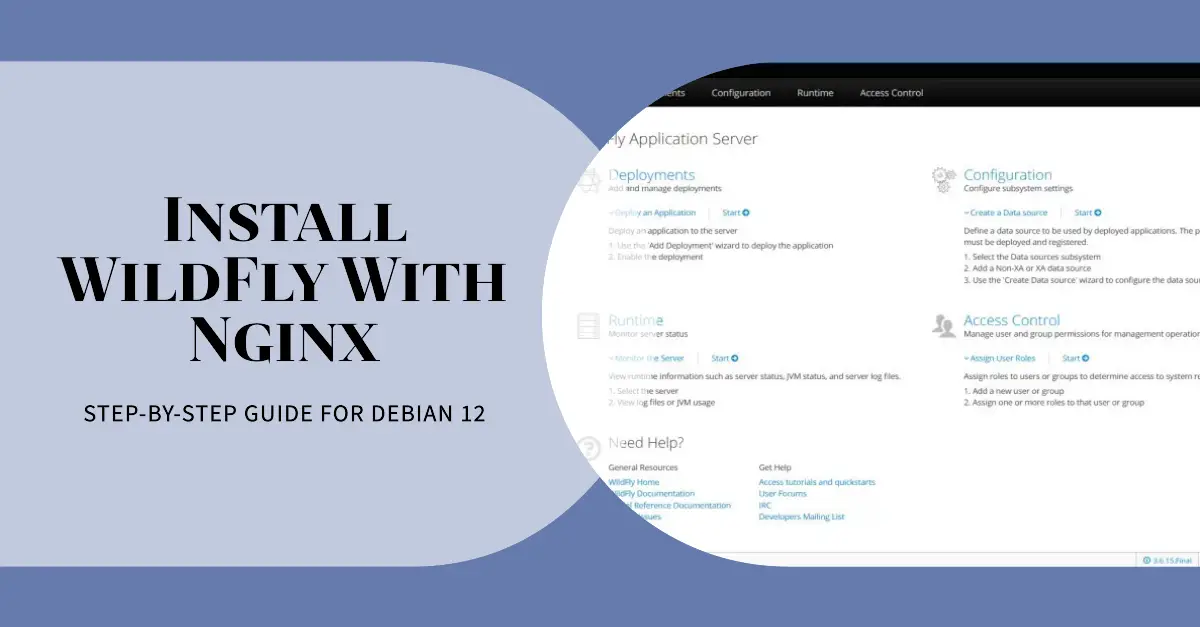
How to Install WildFly Application Server with Nginx Reverse Proxy on Debian 12
Author: Arvid L • Tags: debian, linux, server • Comments: 0 • Published: Mar 31, 2025WildFly formerly JBoss is a free and open-source application server that helps you build and deploy Java web applications. In this guide, you will learn how to install WildFly or JBoss application runtime on a Debian 12 server.
-

How to Install Emby Media Server on Debian 12
Author: Arvid L • Tags: debian, linux • Comments: 0 • Published: Mar 24, 2025Emby is an open-source alternative to Plex Media Server. This guide will teach you how to install Emby Media Server on Debian 12. You will install Emby with Nginx as a reverse proxy and enable UFW. Let's get started.

What is Debian?
Debian GNU/Linux is one of the oldest and most widely used distributions ever to have existed. Its initial release was made available over two decades ago with the aspiration to become the world's most successful open source system that is developed by a team of volunteers based in all corners of the globe. Since then, Debian has evolved into a popular open source operating system that has built a huge community of users and developers around it, and serves as the solid basis upon which successful distributions like Ubuntu, Knoppix, Damn Small Linux (DSL) and Mepis are built.
Why Choose Debian?
As a server...
One of Debian's characteristics that made it so popular in the web servers market is the fact that it is very rock solid. This stems from the developers decision to use older packages in favor of the stability of the system, instead of offering the latest versions of software tools. Contrary to other commercial driven solutions, Debian is not pressed to release a new version by shareholders but instead releases when all is ready and working properly. This combined with Debian's vast architecture support possibilities, make it ideal for use in literally any platform. Debian can run on Intel 32 or 64-bit, ARM v4 or v7, SPARC 32 or 64-bit, PowerPC 32 or 64-bit, MIPS, Motorola 68k, Hitachi SuperH, DEC Alpha and PA-RISC. Debian can also run on a variety of embedded systems as well.
As a desktop...
The obvious reason to use Debian as a desktop distribution is that you may need a good stable and secure system for your everyday tasks. Debian however offers the possibility to point your system to repositories that contain more recent versions of your favorite software tools, allowing you to build a more desktop-oriented system. These branches are the “testing” and “sid” repositories that although officially considered unstable, they rarely ever cause any trouble to the system. This is indicative of the solid basis of the Debian system and the development and testing procedures.
Large community
Debian is by all means the result of the collaborative work of a large community that spreads around the world. Numerous contributions ensure a constant development rate that addresses bugs, fixes security holes and makes new packages available. In its latest release (Jessie – v8), Debian supports 73 languages and offers more than 43000 software packages through its default repositories. This large user base also comes handy when searching for solutions to any problems that you might face.
HowtoForge and Debian
HowtoForge acknowledges the importance and abilities of Debian in the Linux world, and thus we offer countless highly informative tutorials and guides that will help you get the most out of your system. Our guides concern both the server and the desktop side of Debian, helping you use email encryption tools, set up remote servers, use SSH and SCP, monitor MySQL connections, set up Git and Samba servers and secure your ISP connections.
Search through HowtoForge database to find more tutorials on related topics, or visit our forums to get expert advice on Debian or other topics.