
Linux Tutorials on the topic “high-availability”
-

How to Install and Configure GlusterFS on Ubuntu 22.04
Author: Hitesh Jethva • Tags: high-availability, linux, ubuntu • Comments: 0GlusterFS is a free, open-source and software-defined distributed storage developed by Gluster Inc, and then by Redhat. It provides interfaces for object, block, and file storage and is used for high data-intensive workloads such as cloud storage, CDN, and media streaming.
-

How to Install GlusterFS Scalable Network Filesystem on Debian 11
Author: Arvid L • Tags: cloud, debian, high-availability, linux • Comments: 1GlusterFS or Gluster File System is a free and open-source distributed file system developed by RedHat. In this tutorial, you will install GlusterFS - distributed and scalable network filesystem - on Debian 11 servers.
-
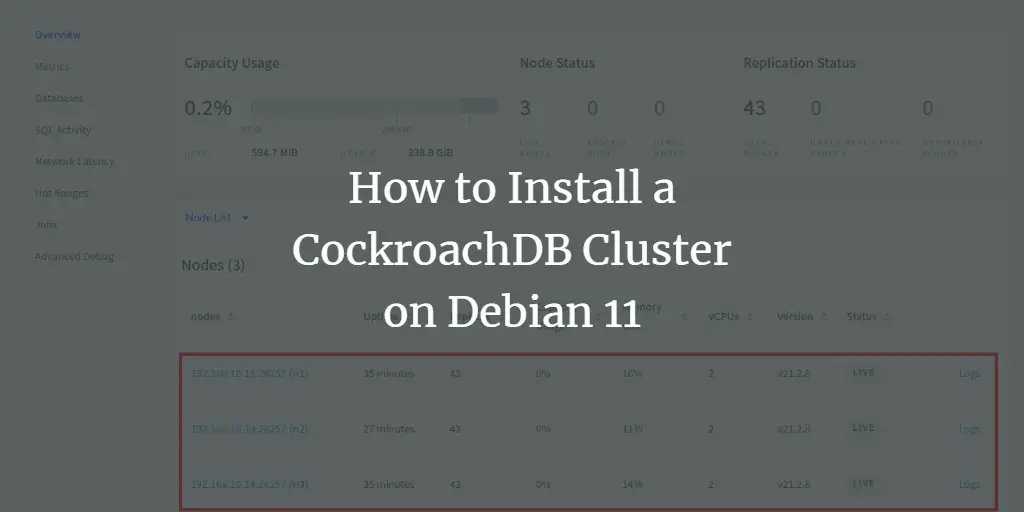
How to Install a CockroachDB Cluster on Debian 11
Author: Arvid L • Tags: debian, high-availability, linux, server • Comments: 0CockroachDB is an open-source distributed and scalable SQL database for cloud applications. CockroachDB provides next-level consistency, replicated SQL database, and a transactional data store. In this tutorial, we will show you how to install the CockroachDB cluster on Debian 11 server.
-
-

Setting up Unison File Synchronization between two Servers on Debian 10 (Buster)
Author: Till Brehm • Tags: debian, high-availability, server, storage • Comments: 1This tutorial shows how to set up file synchronization between two Debian 10 servers with Unison. Unison is a file-synchronization tool similar to rsync, the big difference is that it tracks/synchronizes changes in both directions, i.e., files changed on Server 1 will be replicated to Server 2 and vice versa.
-
How to Setup MariaDB High Availability with Heartbeat and DRBD on Ubuntu 16.04 LTS
 Author: Hitesh Jethva •
Tags: high-availability, linux, server, ubuntu •
Comments: 1
Author: Hitesh Jethva •
Tags: high-availability, linux, server, ubuntu •
Comments: 1 In this tutorial, we will learn how to achieve high availability of MariaDB using Heartbeat and DRBD on Ubuntu 16.04 server. Heartbeat and DRBD both are used for a cluster solution for any application using two servers. Both servers are work in active and passive mode, one server will work at the same time and another server as a backup server.
-
How to Set up Nginx High Availability with Pacemaker and Corosync on CentOS 7
 Author: Muhammad Arul •
Tags: centos, high-availability, linux •
Comments: 4
Author: Muhammad Arul •
Tags: centos, high-availability, linux •
Comments: 4 In this tutorial, we will guide you step by step on how to create a High Availability Cluster Nginx Web Server with Pacemaker, Corosync, and Pcsd. We will create the Active-Passive Cluster or Failover-cluster Nginx web server using Pacemaker on a CentOS 7 system.
-
How to Set-Up Master-Slave Replication for PostgreSQL 9.6 on Ubuntu 16.04
Author: Muhammad Arul •
Tags: high-availability, linux, ubuntu •
Comments: 12 In this tutorial, we will show you how to install and configure PostgreSQL 9.6 Master-Slave Replication on Ubuntu 16.04 server. We will use Hot standby mode, and it's a very good starting point to learn PostgreSQL in depth.
-
How to Set up Nginx High Availability with Pacemaker, Corosync, and Crmsh on Ubuntu 16.04
Author: Muhammad Arul •
Tags: high-availability, linux, security, ubuntu •
Comments: 9 In this tutorial, I will show you step by step how to create a High Availability Clustered Nginx Web Server with Pacemaker, Corosync, and Crmsh. We will create an Active-Passive Cluster or Failover-cluster Nginx web server on Ubuntu 16.04.
-
How to configure failover and high availability network bonding on Linux
Author: shahril bin kamaruzzaman •
Tags: high-availability, linux, networking •
Comments: 6 This tutorial explains how to configure network bonding on Linux server. Before I start, let me explain what network bonding is and what it does. In a Windows environment, network bonding is called network teaming, this is a feature that helps any server architecture to provide high availability and failover in scenarios were one of the main ethernet cable has a malfunction or is misconfigured.
-
High-Availability Storage with GlusterFS on CentOS 7 - Mirror across two storage servers
Author: Till Brehm •
Tags: centos, high-availability, linux, storage •
Comments: 16 This tutorial shows how to set up a high-availability storage with two storage servers (CentOS 7.2) that use GlusterFS. Each storage server will be a mirror of the other storage server, and files will be replicated automatically across both storage servers. The client system (CentOS 7.2 as well) will be able to access the storage as if it was a local filesystem. GlusterFS is a clustered file-system capable of scaling to several peta-bytes.
