
Linux Tutorials on the topic “Linux”
-
Perfect Server Automated ISPConfig 3 Installation on Debian 12 and Debian 13, Ubuntu 22.04 and Ubuntu 24.04
Author: Thom Pol • Tags: apache, control panels, debian, dns, email, ftp, ispconfig, linux, mysql, nginx, postfix, server, ubuntu, web server • Comments: 176 • Updated: Jan 31, 2026This tutorial shows you how to easily set up a web, email and DNS server with ISPConfig 3 using the ISPConfig auto-installation script.
-
How to install PHP 5.6 and 7.0 - 8.4 with PHP-FPM and FastCGI mode for ISPConfig 3.2 with apt on Debian 11 to 12
Author: Thom Pol • Tags: debian, ispconfig, linux, php • Comments: 14 • Updated: Nov 03, 2025In this guide we will take you through installing additional PHP versions (5.6, 7.0, 7.1, 7.2, 7.3, 7.4, 8.1, 8.2, 8.3, and 8.4) on a Debian server with ISPConfig.
-
How to install PHP 5.6 and 7.0 - 8.4 with PHP-FPM and FastCGI mode for ISPConfig 3.2 with apt on Ubuntu 22.04 - 24.04
Author: Thom Pol • Tags: ispconfig, linux, php, ubuntu • Comments: 10 • Updated: Nov 03, 2025When using ISPConfig, by default, you only have the main PHP version for your distribution. This guide will show you how to install additional PHP versions (5.6, 7.0 - 7.4, 8.1 - 8.4) on an Ubuntu server with ISPConfig.
-
-
Update the ISPConfig Perfect Server from Debian 11 to Debian 12
Author: Thom Pol • Tags: debian, ispconfig, linux • Comments: 21 • Updated: Nov 03, 2025This tutorial will take you through updating a server managed by ISPConfig from Debian 11 (bullseye) to Debian 12 (bookworm). This guide works for both single- and multiserver setups.
-
How to Install CSF (Config Server Firewall) on Debian 12
Author: Arvid L • Tags: debian, linux, security, server • Comments: 1 • Updated: Oct 06, 2025CSF or Config Server Firewall is a Stateful Packet Inspection (SPI) firewall based on IPtables and Perl. it provides a daemon process that will monitor your services for failure authentication.
-
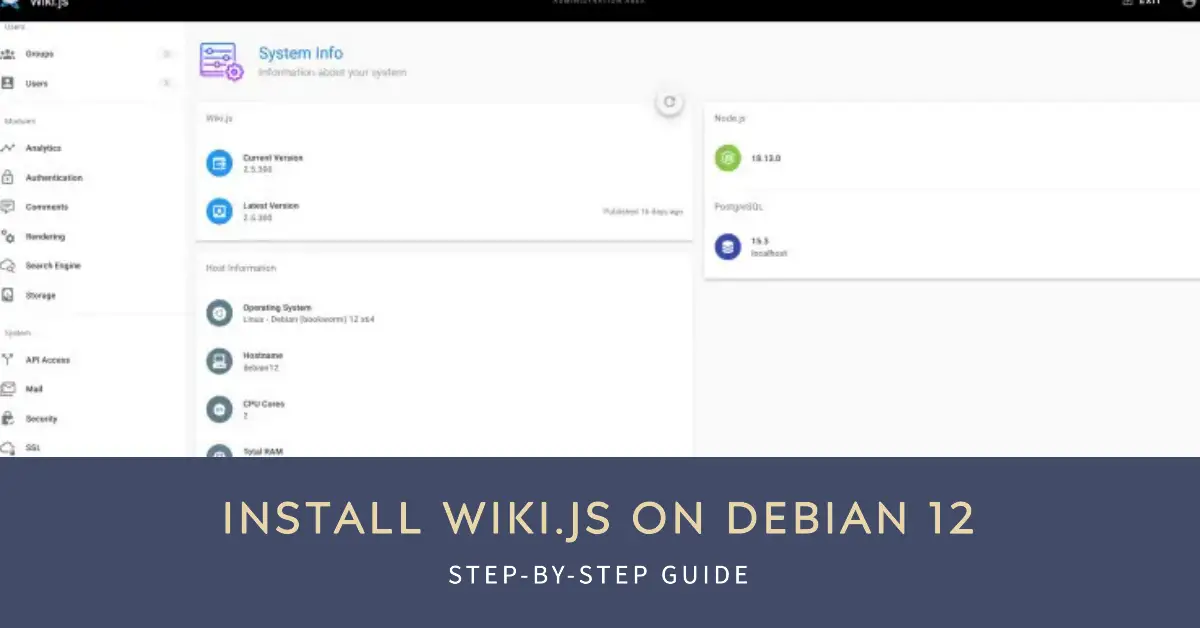
How to Install Wiki.js on Debian 12
Author: Arvid L • Tags: debian, linux, server, web server • Comments: 1 • Published: Jun 26, 2025Wiki.js is free and open-source wiki software based on Node.js, Git, and Markdown. In this article, we'll show you how to install Wiki.js on a Debian 12 system.
-

ISPConfig Perfect Multiserver setup on Ubuntu 24.04 and Debian 12
Author: Thom Pol • Tags: control panels, debian, dns, email, ftp, ispconfig, linux, server, ubuntu, web server • Comments: 2 • Published: Jun 19, 2025This tutorial will take you through installing your own ISPConfig 3 multiserver setup with dedicated servers for the panel, web, DNS, mail, and webmail using the new ISPConfig auto-installer. This tutorial is compatible with Debian 12 and Ubuntu 24.04.
-

Securing your ISPConfig 3 managed mailserver with a valid Let's Encrypt SSL certificate
Author: Thom Pol • Tags: ispconfig, linux, security • Comments: 1 • Published: Jun 19, 2025If you're running your own mailserver, it's best practice to connect to it securely with a SSL/TLS connection. You'll need a valid certificate for these secure connections. In this tutorial, we'll set up a Let's Encrypt certificate for our mailserver that renews automatically.
-

How to Install OpenEMR on Ubuntu 24.04 Server
Author: Arvid L • Tags: linux, ubuntu • Comments: 1 • Published: May 29, 2025OpenEMR is an open-source health records and medical practice management solution. It is a fully integrated electronic health record and practice management, scheduling, electronic billing, and internationalization support.
-
How to Install Moodle LMS on Debian 12 Server
Author: Arvid L • Tags: debian, linux • Comments: 0 • Published: May 29, 2025Moodle is an open solution for the Learning Management System (LMS). It is a platform for educational purposes, from creating online courses, managing online schools, managing content, and offering collaborative learning.

Linux - free and open source operating system
Linux is a unix-like operating system kernel initially released by Linus Torvalds in 1991. The kernel was released under the GPL license in order to be used with the operating system of the GNU Project as GNU Hurd that was the project's kernel wasn't available at the time. That led to the creation of the GNU/Linux OS and shortly after the word Linux alone was used to indicate the operating system and not only the kernel. Linux as a kernel project, enjoyed a constant rise of contributions from a growing number of developers since the very early days of its low functionality, mostly thanks to its open source nature and the rise of the internet. Linux nowadays powers personal computers, mobile devices, embedded devices, servers and supercomputers.
What are the reasons to choose Linux?
First and foremost, Linux is free software and as such it allows its users the freedom to utilize it in any way that they see fit, without legislative limitations. Free software belongs to its users while proprietary software belongs to its creators who only sell or grant the permission to use their software and only for certain predefined purposes. Thanks to its nature and financial support from patreons and supporters, Linux as a kernel is distributed free of charge which is also the case for the vast majority of Linux distributions and free software applications.
Apart from the cost and legal benefits, Linux offers more choices to its users. There are literally numerous desktop environments, window managers, applications that serve the same or similar purposes, distributions and even themes to choose from. While this plethora of different options can become overwhelming for some new users, choice is what allows for high levels of customization that can transform an operating system to fit exactly the needs of a user, or a group of users.
Linux is also one of the most hardware friendly operating systems in the sense that it can run in most devices out there. Although closed source hardware was difficult to support during the first years of Linux, the tables have now turned mostly thanks to the support from large hardware and software vendors such as IBM, Google and Intel. Linux can even revive old hardware that would otherwise sit uselessly in a dusty corner.
Last but not least, Linux boasts high levels of security and performance as an operating system, making it ideal for use in servers, scientific supercomputers, aerospace applications, governmental and military networks, and enterprise environments.
HowtoForge and Linux
HowToForge offers a rich collection of complete tutorials written in a way that helps and guides users irrespective of their distribution of choice. From “how tos” on the installation of various operating systems and applications, to tutorials on the usage of utilities, their features and technical possibilities. From the very first days that a new Linux related tool get released, HowToForge will have you covered with a detailed and understandable step by step tutorial on how to use it in its full potential.